
neuvisneuvis.liveStart a conversation

Nothing gets past you.

AI vision on your cameras. It watches your operation day and night and alerts you only when something matters.

It doesn't look away.It doesn't get tired.It can't be bought.

It watches every camera, all the time, and applies the same rule at three in the afternoon and three in the morning. You only see what needs seeing.

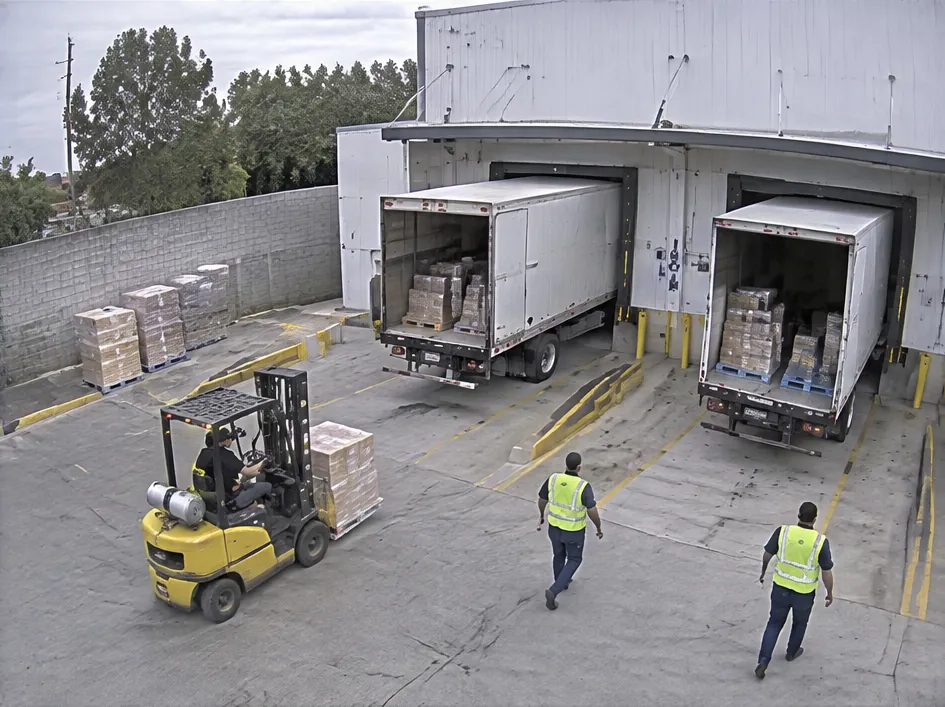
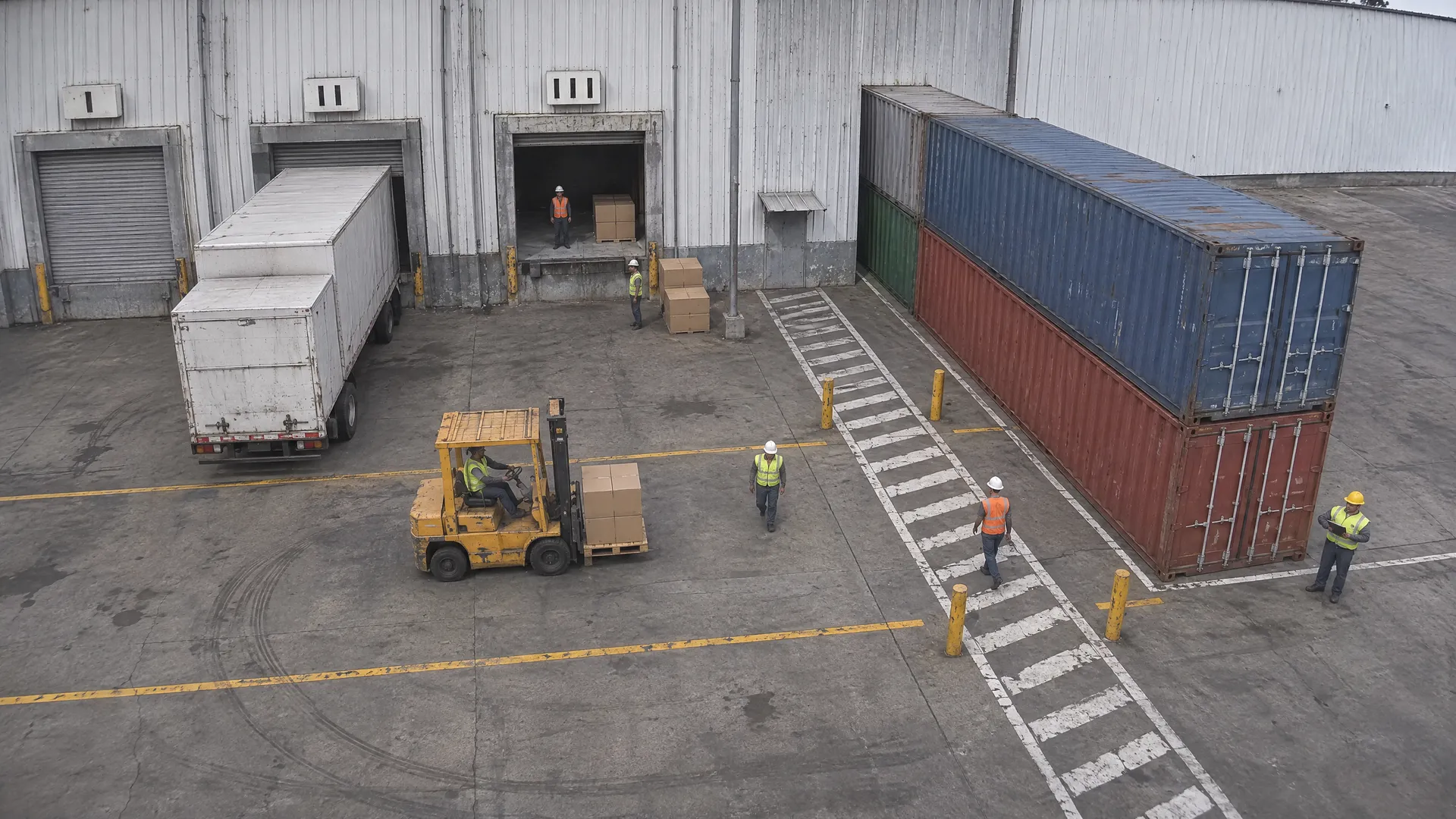
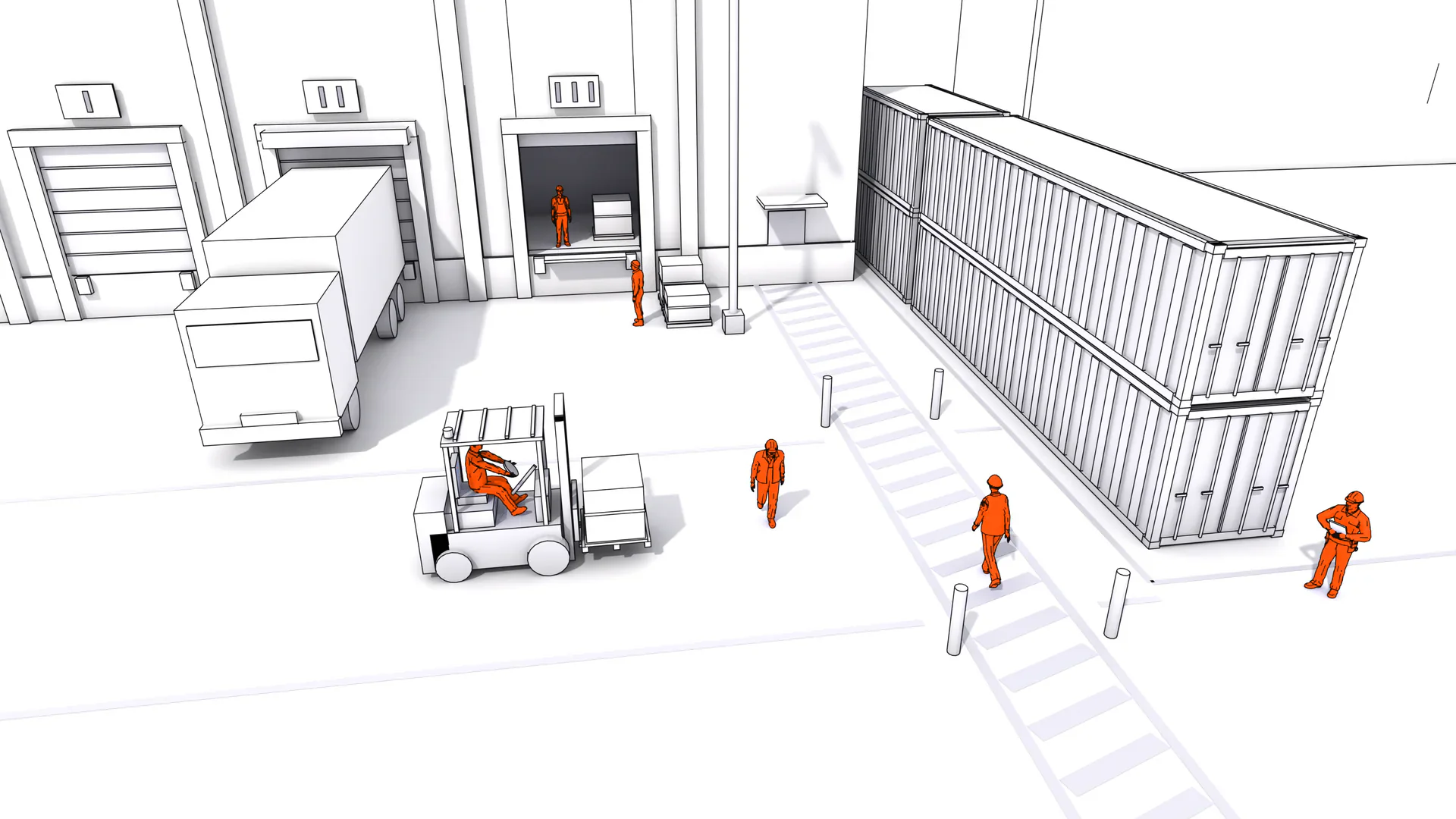
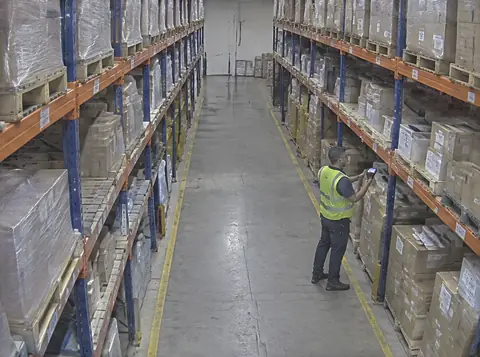
loading yardPerson in the forklift's path
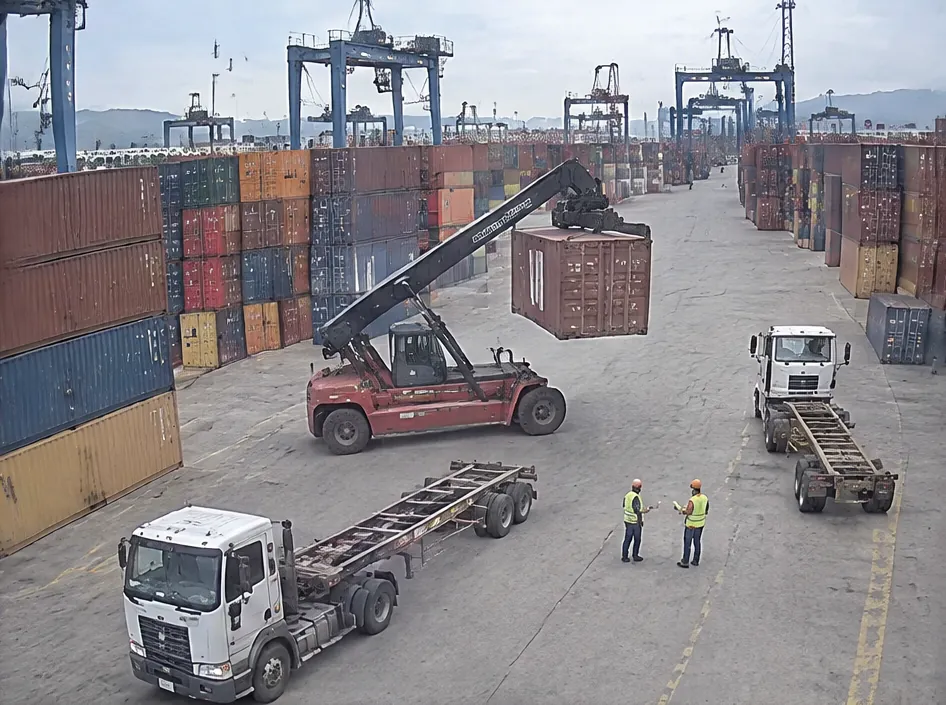
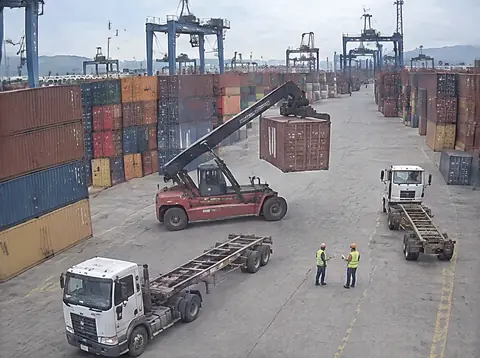
containers2 people · 15 vehicles
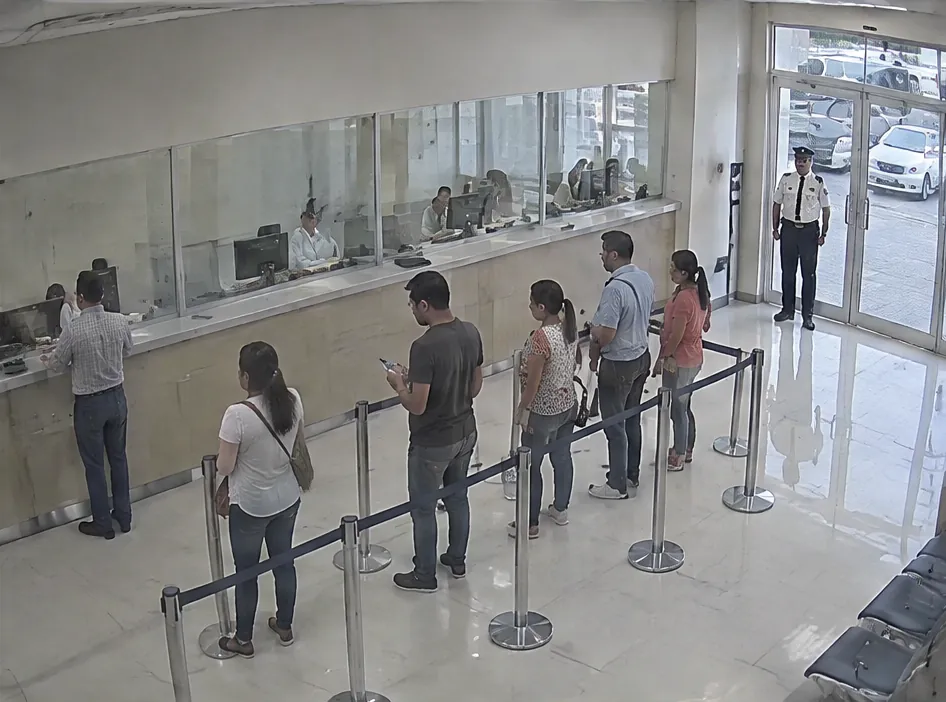
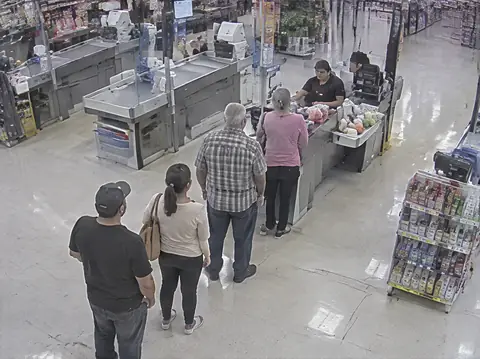
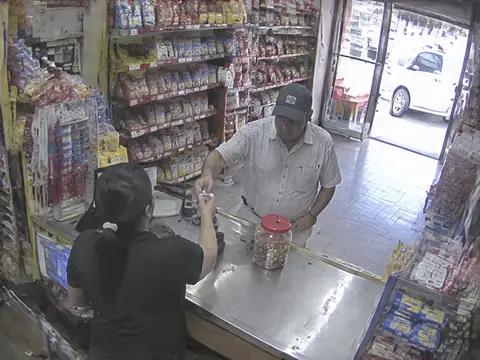
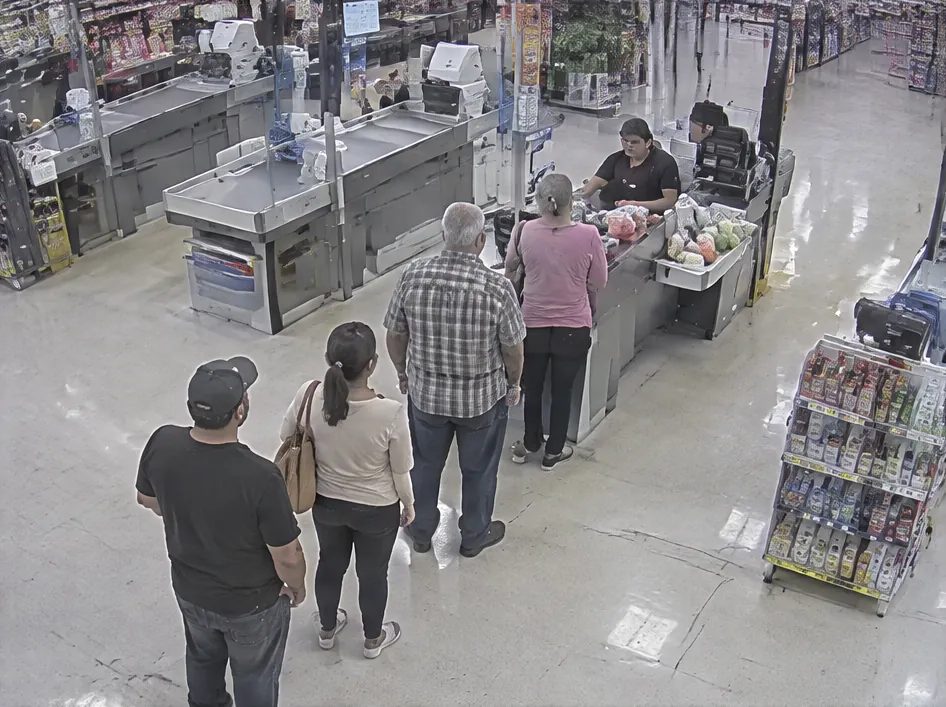
checkouts7 people
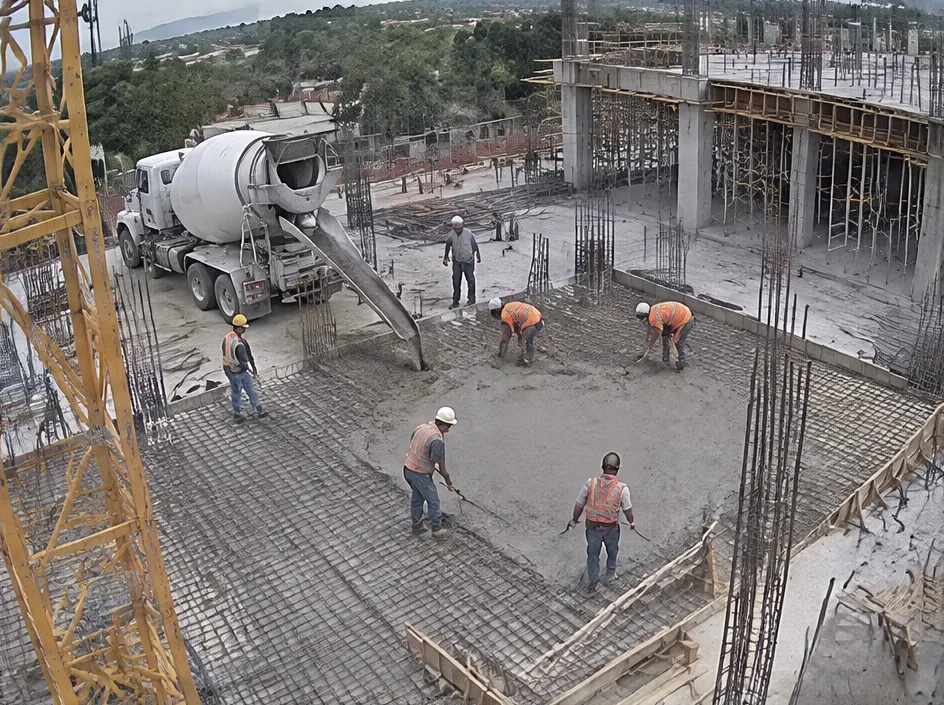
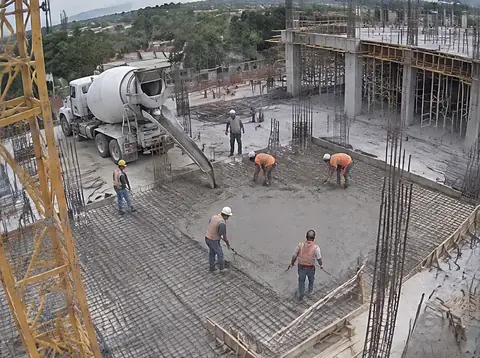
construction6 people · 4 vehicles
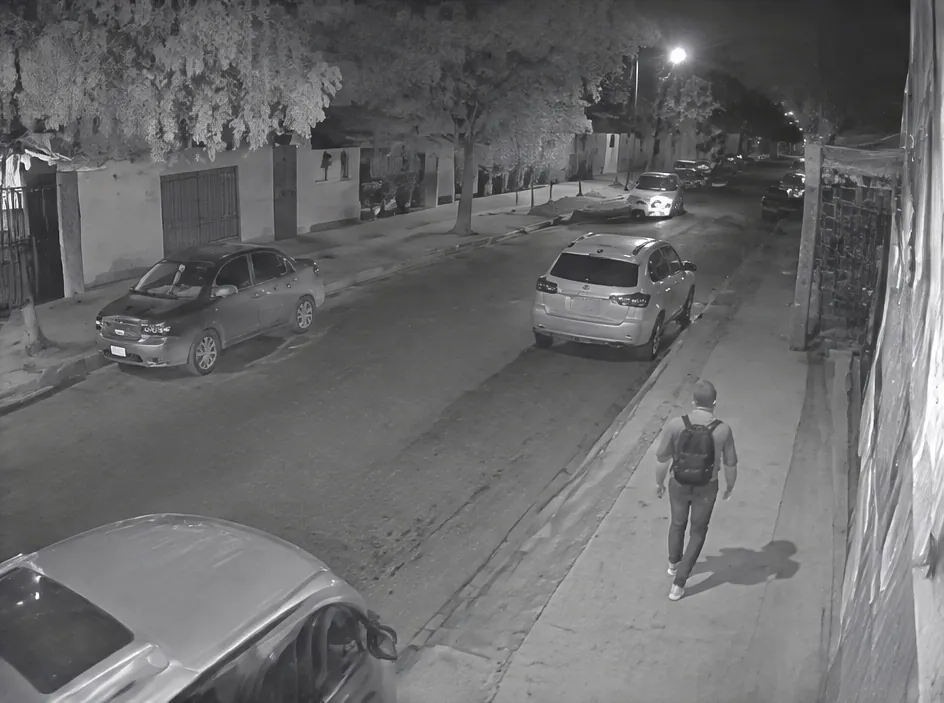
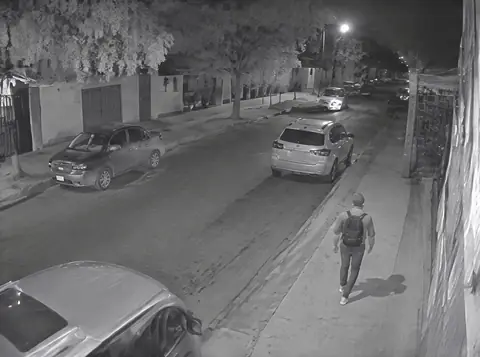
street2 people · 9 vehicles
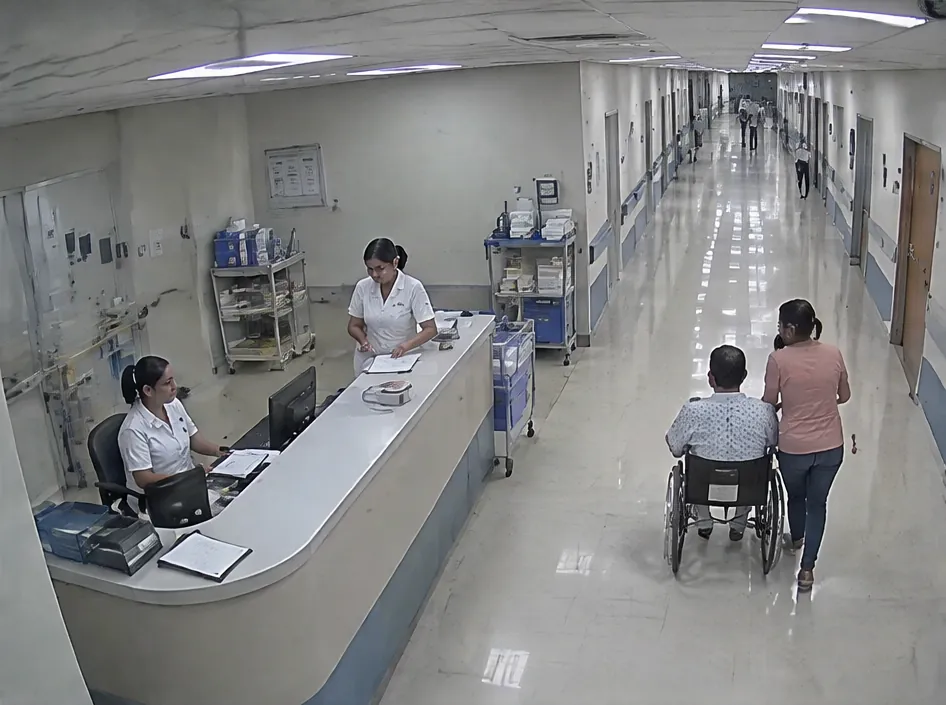
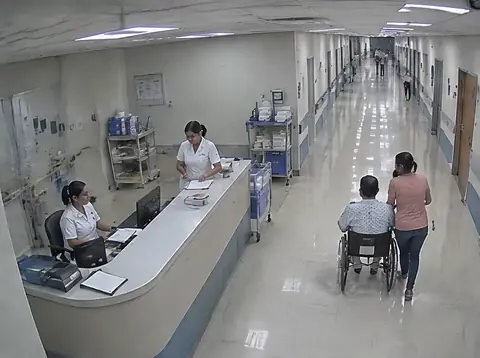
hospital8 people
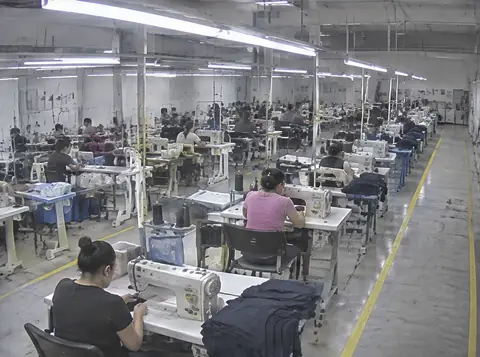
workshop14 people
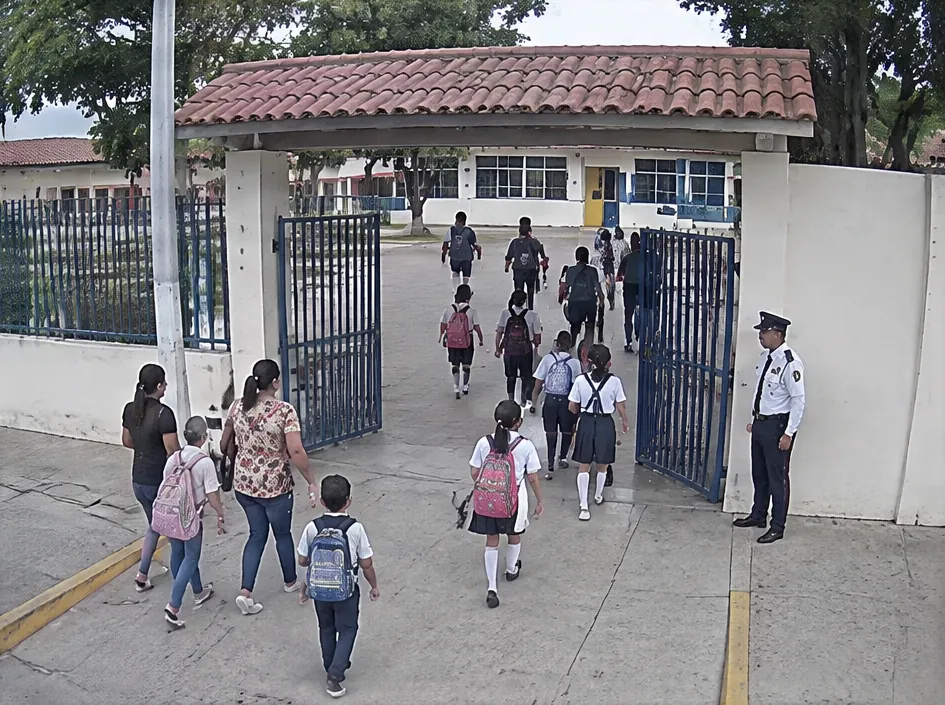
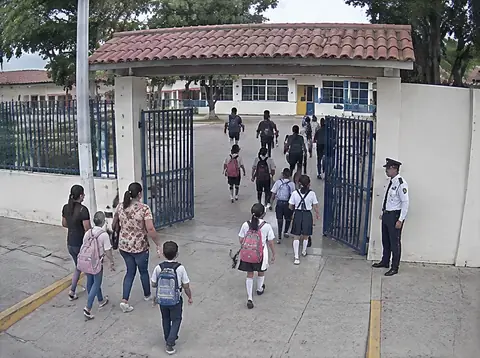
school18 people
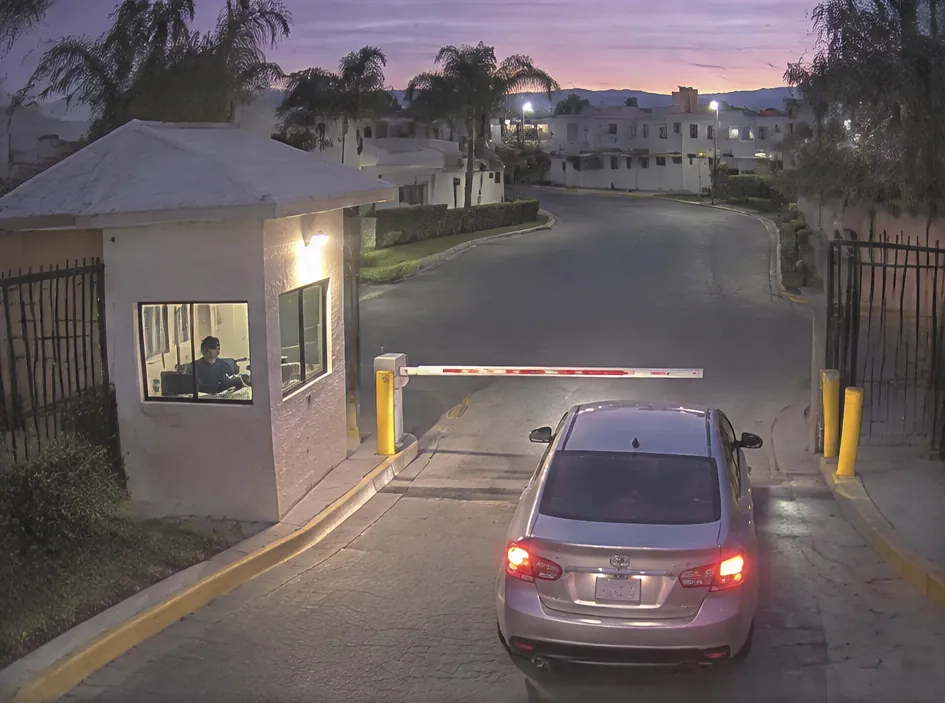
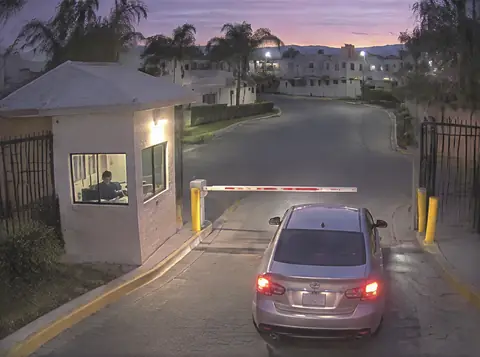
entrance1 person · 1 vehicle
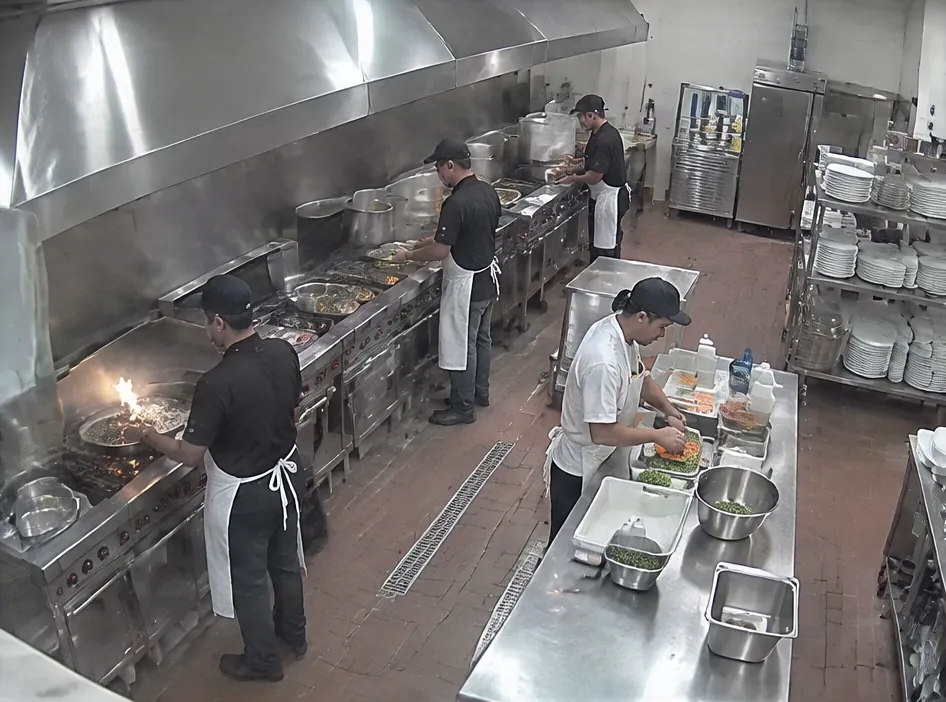
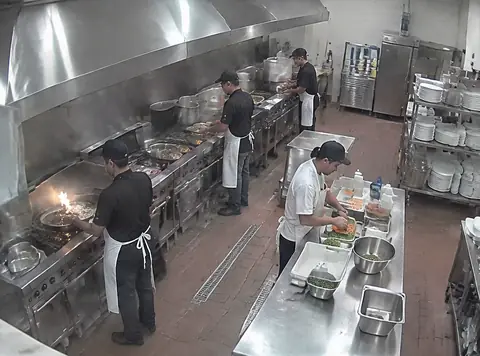
kitchen4 people
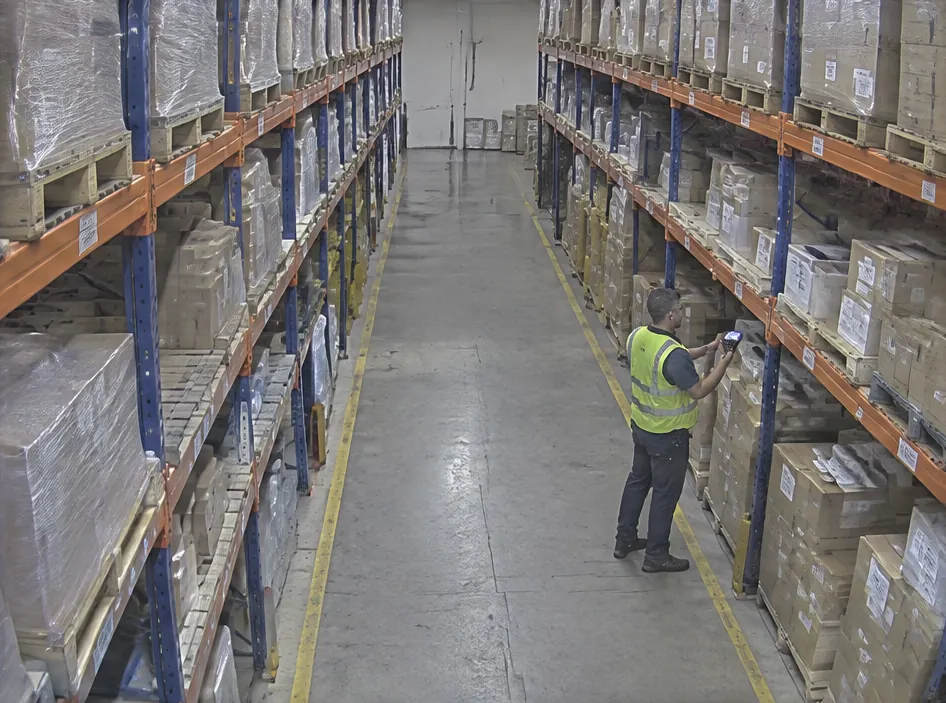
warehouse1 person
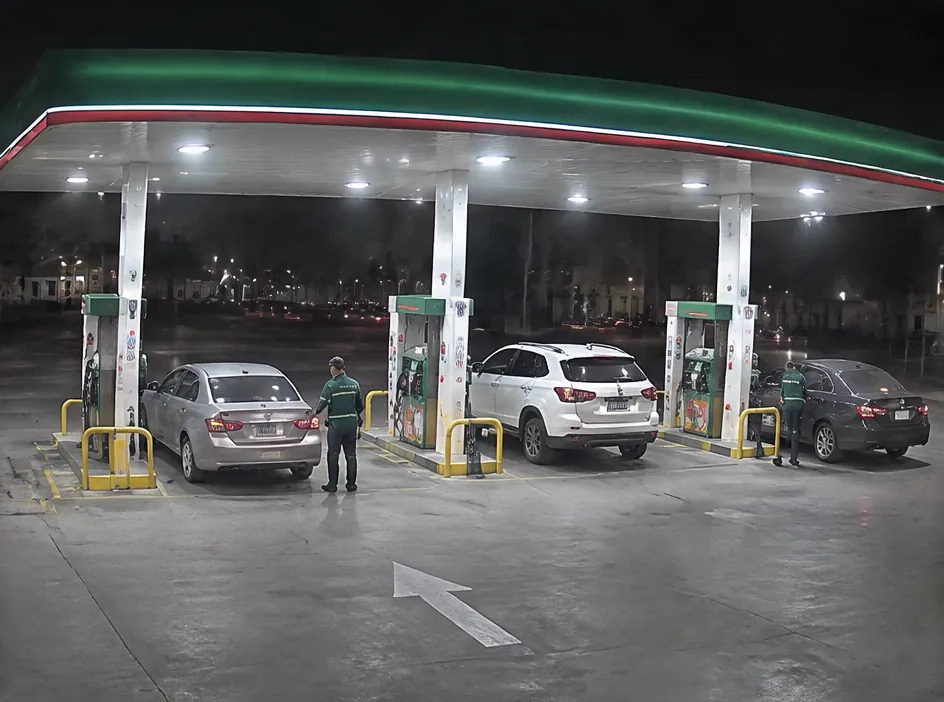
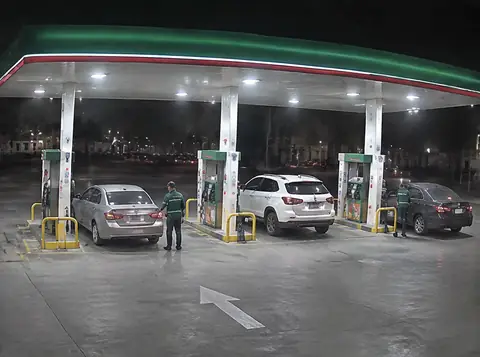
gas station2 people · 5 vehicles
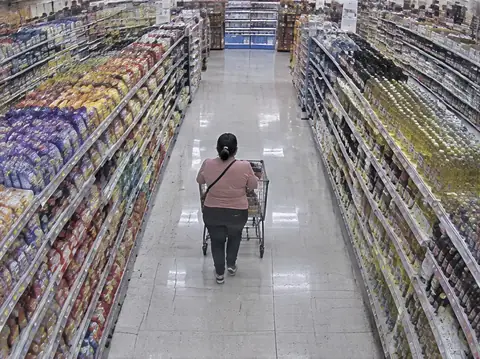
aisle2 people
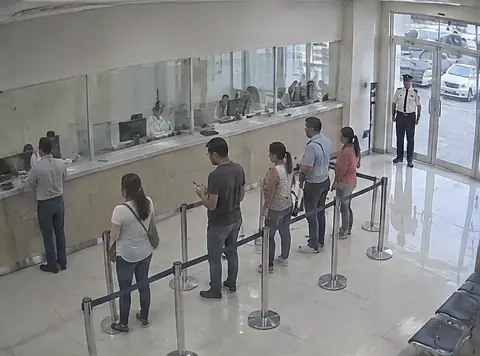
bank21 people · 2 vehicles
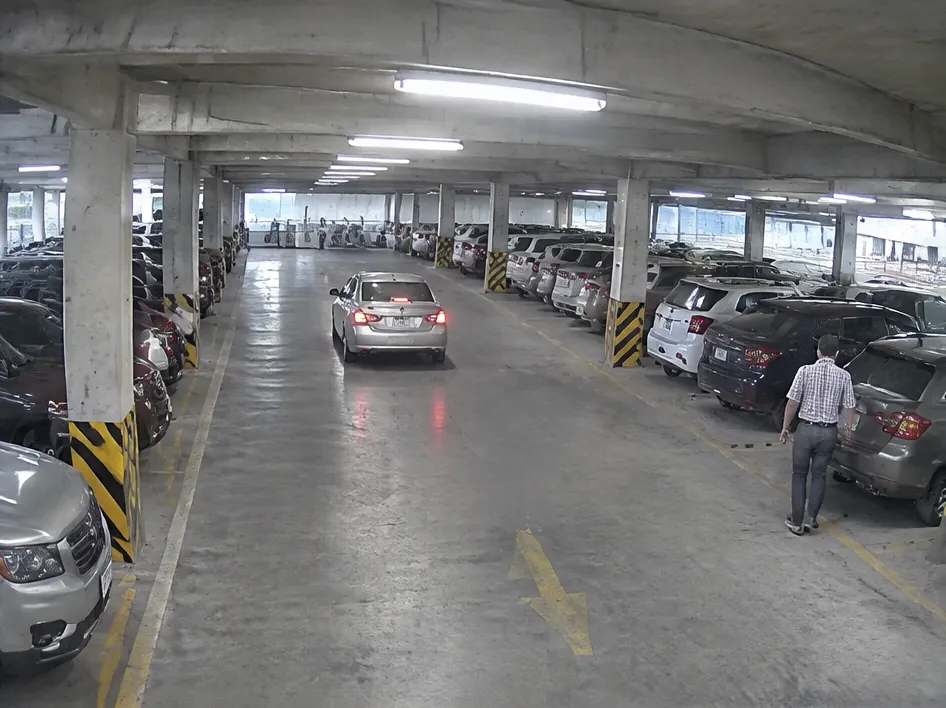
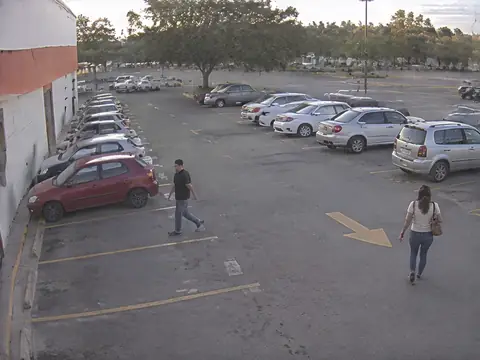
parking2 people · 19 vehicles
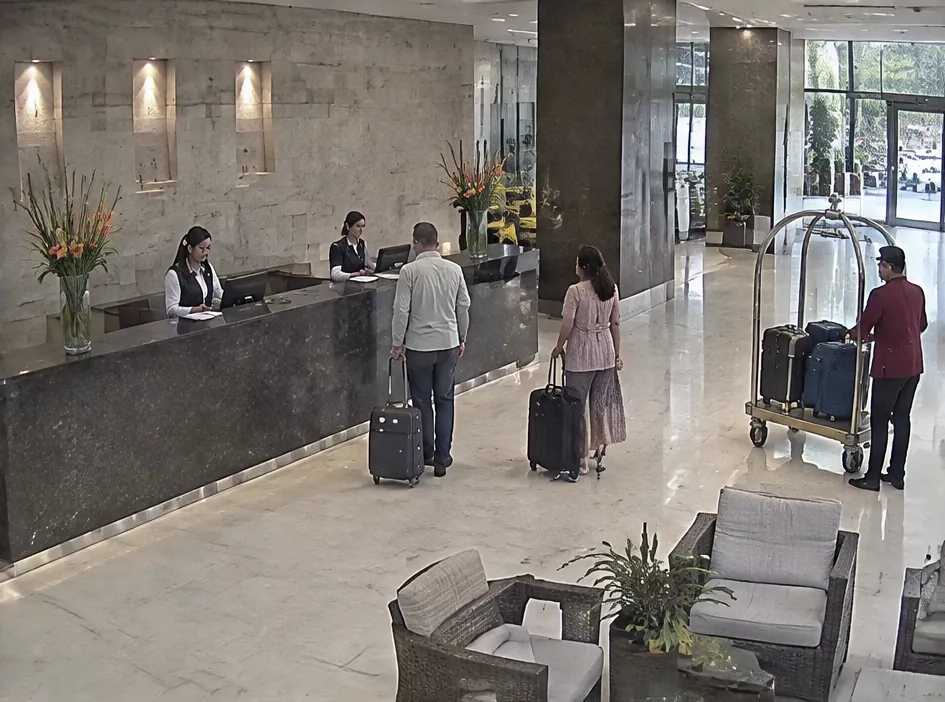
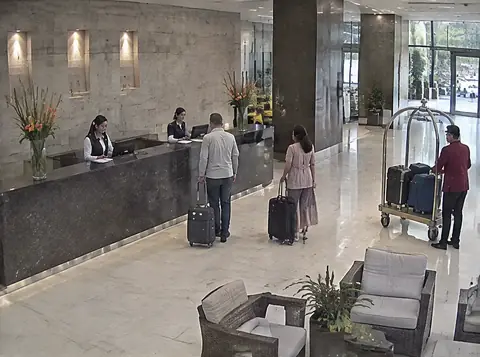
hotel5 people
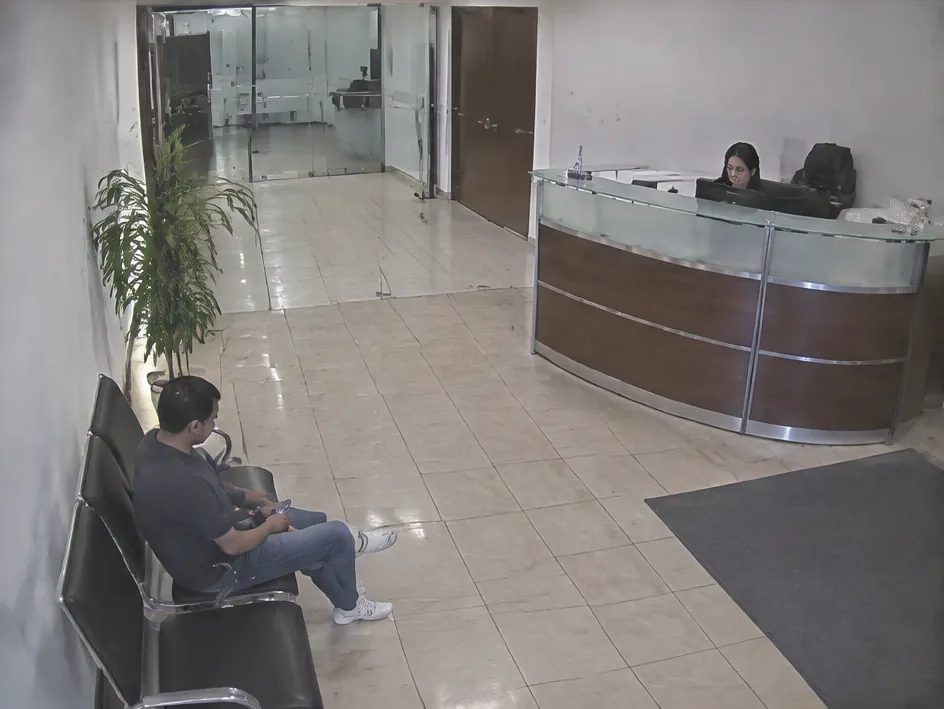
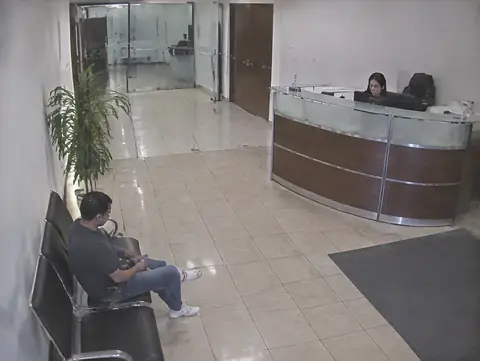
reception2 people
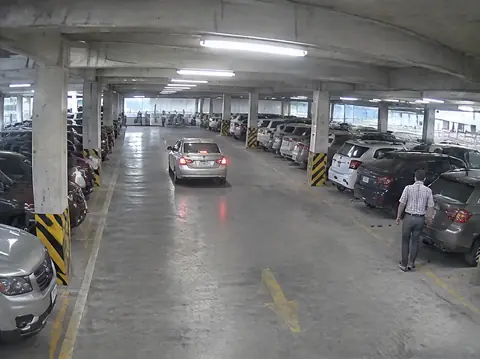
level 21 person · 14 vehicles
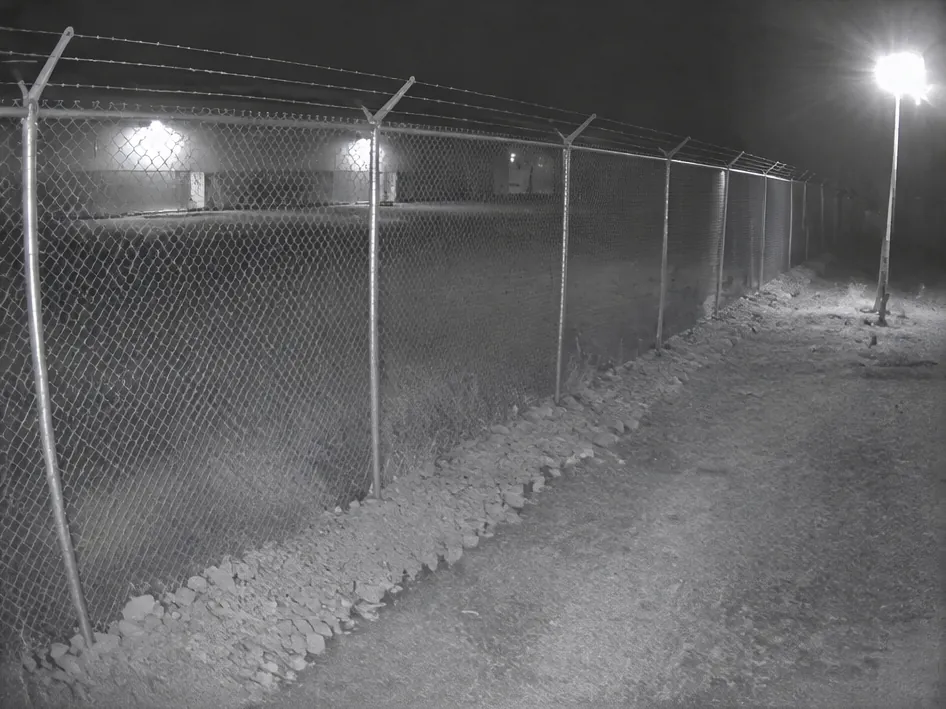
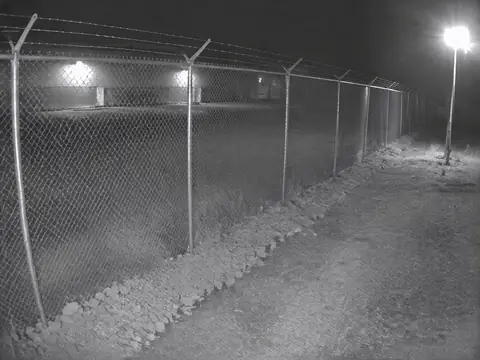
perimeterno movement
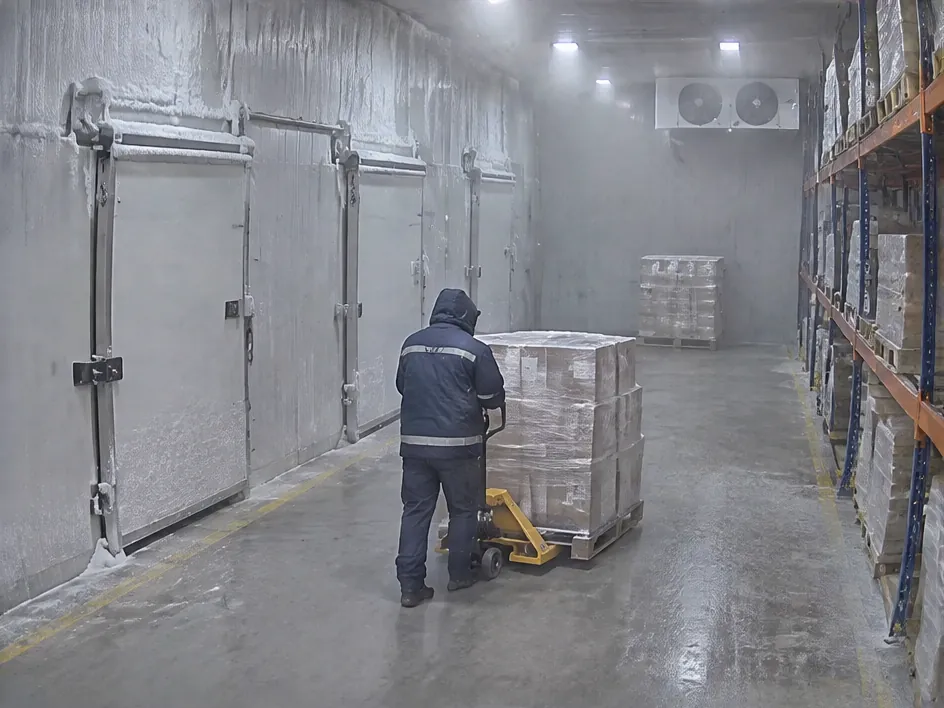
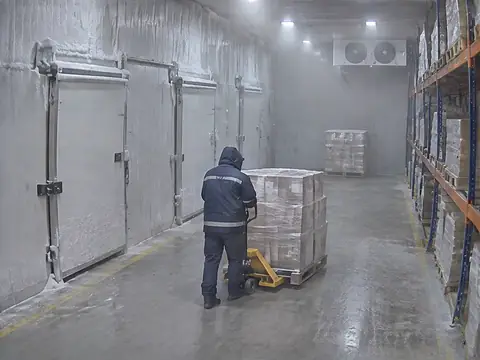
cold room1 person
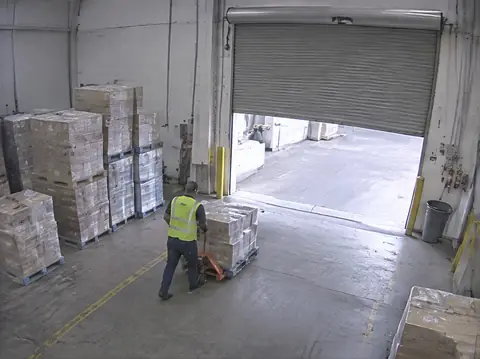
dock1 person
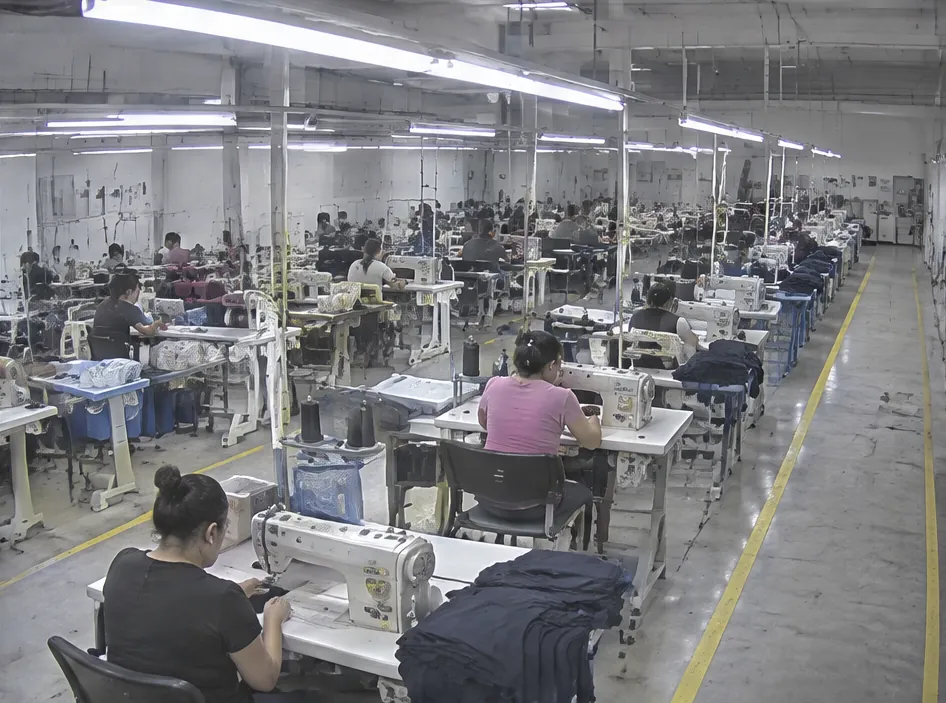
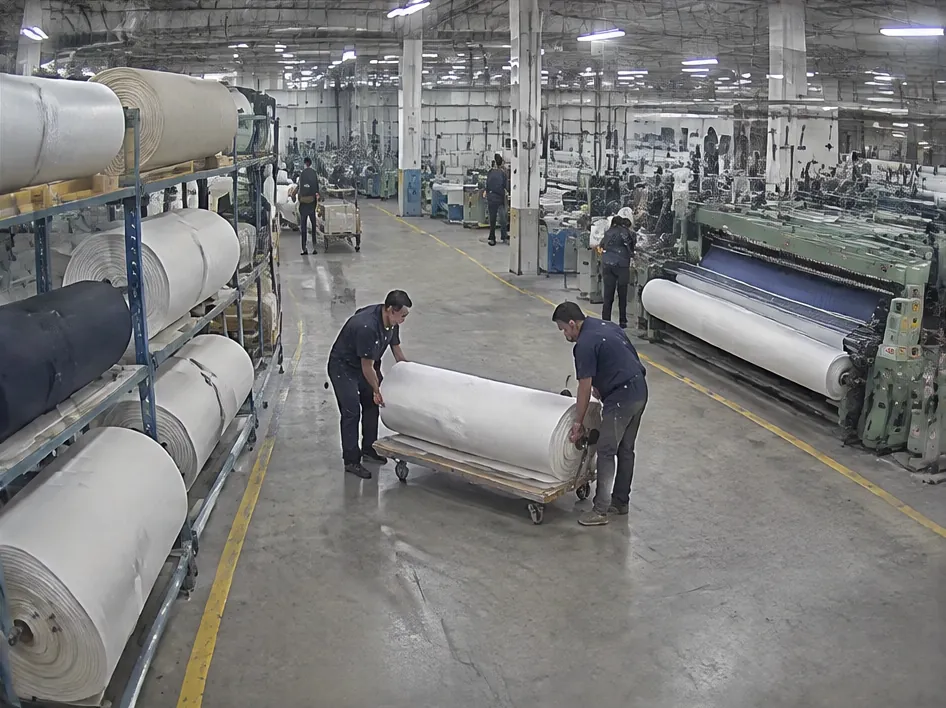
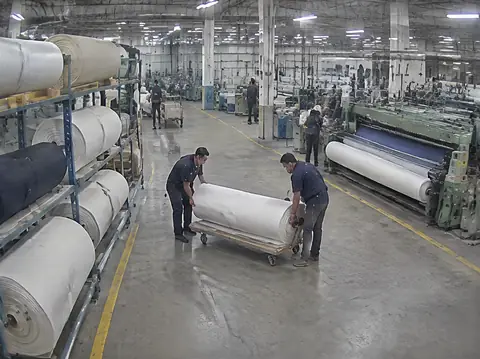
textiles5 people
counter2 people · 1 vehicle
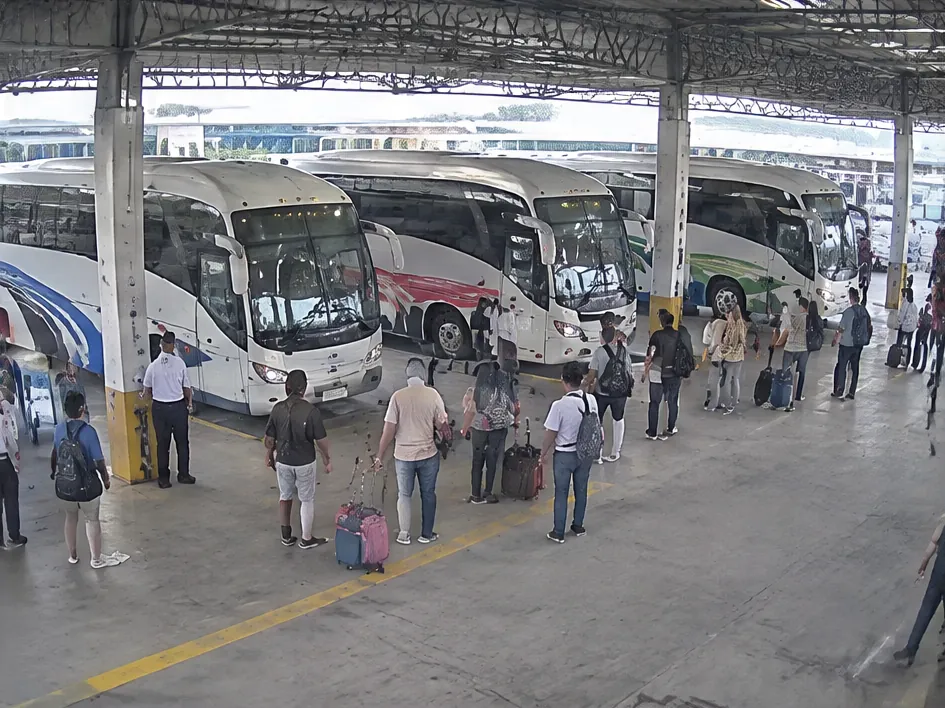
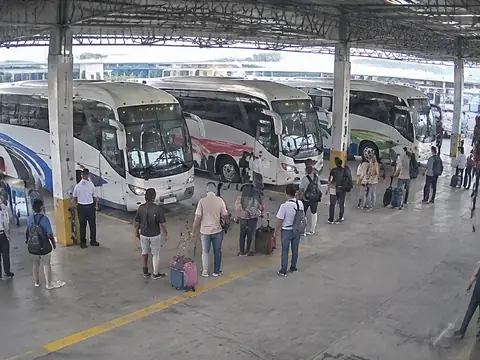
terminal23 people · 6 vehicles

Tap a camera to see its readout.

See, watch and measure. In one system.

Three things we do, together or apart. Our team studies your operation and tells you which you need.

Your cameras, secure and at hand

Live and recorded video from all your sites in one place, on your phone or your desk. No vendor app, no open ports, no factory passwords.

  • Any brand of camera and recorder
  • Encrypted access, per person and per site
  • A record of who watched what, and when
  • An alert when a camera drops, is covered or is moved
A firewall for the physical world

Rules already proven in shops, gated communities, plants and yards. Everything in front of your cameras goes through them: the ordinary is logged, what matters reaches you.

  • Queues, occupancy and waiting times
  • Entrances and vehicles that tailgate
  • Risk zones and protective equipment
  • Presence after hours

What your operation needs to measure

We study your site: entrances, exits, work areas and routes. From that we build the dashboards, alerts and metrics that serve you.

  • The plan of your site, with its zones
  • Dashboards built for your operation
  • Alerts to whoever is responsible
  • Connected to the systems you already use

How it reaches your site

  • With the cameras you already haveWe connect to your recorder and make what is installed smart.
  • Upgrading what needs itWe replace only the cameras or equipment that limit the result.
  • Or with a new systemWe design the coverage, install it and leave it watching.

From the camera to the record. All of it kept, all of it in view.

On your site

CamerasIP, analogue, thermal
Recorderthe one you have
Sensorsdoors, motion, temperature
Plate readersin and out
Access pointsdoors, barriers, turnstiles
Site unitanalyses on the spot; keeps going if the internet drops

The system

Modelssee, track, read and describe
Your rulesdecide what matters
Recordevents, clips and metrics
Backupa copy off site

What you get

AlertsWhatsApp, call, siren
Dashboardlive, recorded, reports
Your systemsERP, warehouse, point of sale
Audit logwho saw what, and what they did
  1. Cameras
  2. Site unit
  3. encrypted tunnel
  4. Your rules
  5. Audit log
  6. WhatsApp
  7. barrier

Follow one event from the camera to the alert.

  • If anything happens, it is savedContinuous backup and retention per camera: 30, 90 days or what your policy asks.
  • The system checks itselfIt tells you when a camera drops, loses sharpness or stops recording.
  • Low visibilityRain, dust, glare or a dirty lens: detected, and reported.
  • TamperingA camera covered, moved or unplugged: alerted at once.
  • Changes and anomaliesIt learns what is normal for each zone and marks what is not.
  • Access per personPermissions per site and per camera. No shared accounts.
  • PriorityThe urgent first: every event arrives with its level.
  • IdentificationPlates, vehicles and people described, with their history.

Every event leaves a trail

What happened, who saw it, what was done and when. Nothing is erased.

  1. Person after hours · plant 2high priority
  2. Guard on duty alerted, by WhatsApp
  3. Seen by the shift supervisor
  4. Confirmed. A patrol is sent
  5. Closed by the supervisor, with a note and the clip

It connects to what you have. It runs on the newest there is.

Frontier models, the right one for each job

We don't depend on one model or one vendor. For each job we test several architectures, and the one that does best on your footage stays.

  • Detectionpeople, vehicles, objects, protective equipment
  • Segmentationthe exact outline, not a box
  • Trackingthe same person or vehicle across cameras
  • Posefalls, lifts, risky postures
  • Readingplates, container numbers, labels
  • Vision and languagedescribes the scene; search it in words
  • Anomalieslearns what is normal and marks what is not
  • Where it suitson the site unit or in the cloud

Fitted and tested on your footage, until it delivers

  1. Surveyyour site, your cameras, what costs you
  2. Your footagereal samples by day, night and rain
  3. Fittingzones, rules and models to measure
  4. Testagainst events you already know
  5. Tuningrepeated until the target is met
  6. Livemeasured weekly, corrected if it slips
events detectedfalse alarms a day

What changes when someone really is watching.

every camera, no shifts
24/7
from event to alert
<5s
of the perimeter covered and measured
100%
less time reviewing video
-80%

From the whole city down to one event.

The same system at four scales. Streets, vehicles and entrances identified, each with its history.

Cities and counties: the flow on every avenue, wanted vehicles, incidents.

Buildings

Built for your business. Whichever it is.

Every line of business has its signals and its figures. These are ready; yours we build with you.

Retail

To reviewQueue of 4 at checkout 2

Ready-made signals

  • Queues and waiting time
  • Small theft and shrink
  • Empty shelves

What you measure

average wait at checkout
3:40
people in store
212
checkouts open
3 / 6

See all 48 sectorsDon't see yours? We study it and build it.

Cameras record. Neuvis understands.

  1. Hours of video nobody has time to watch.
  2. People, vehicles and cargo, frame by frame.
  3. Every person and object, separated from the background.
  4. Distances and zones on your floor plan, in metres.
  5. One event is left, ready for someone to decide.
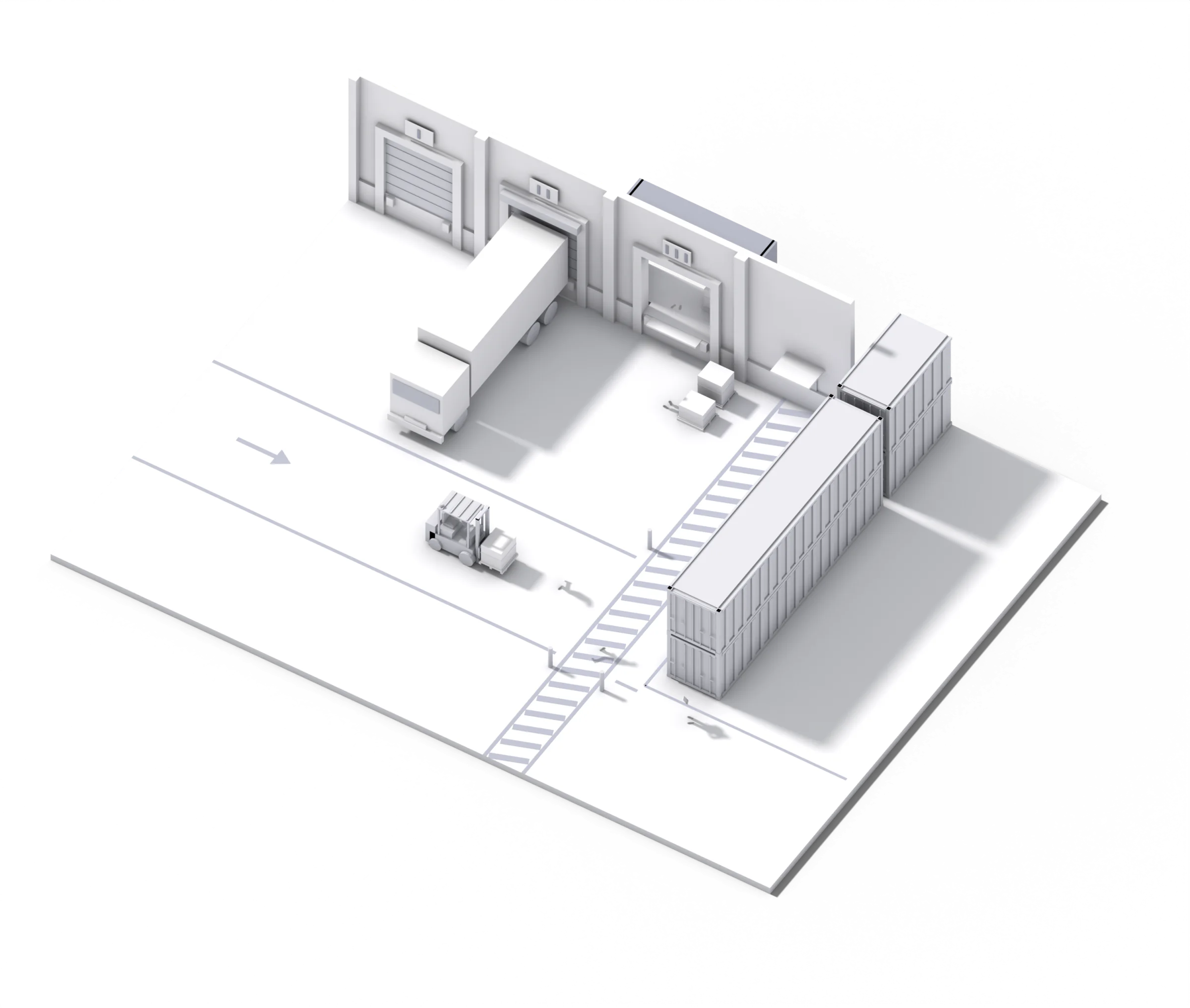
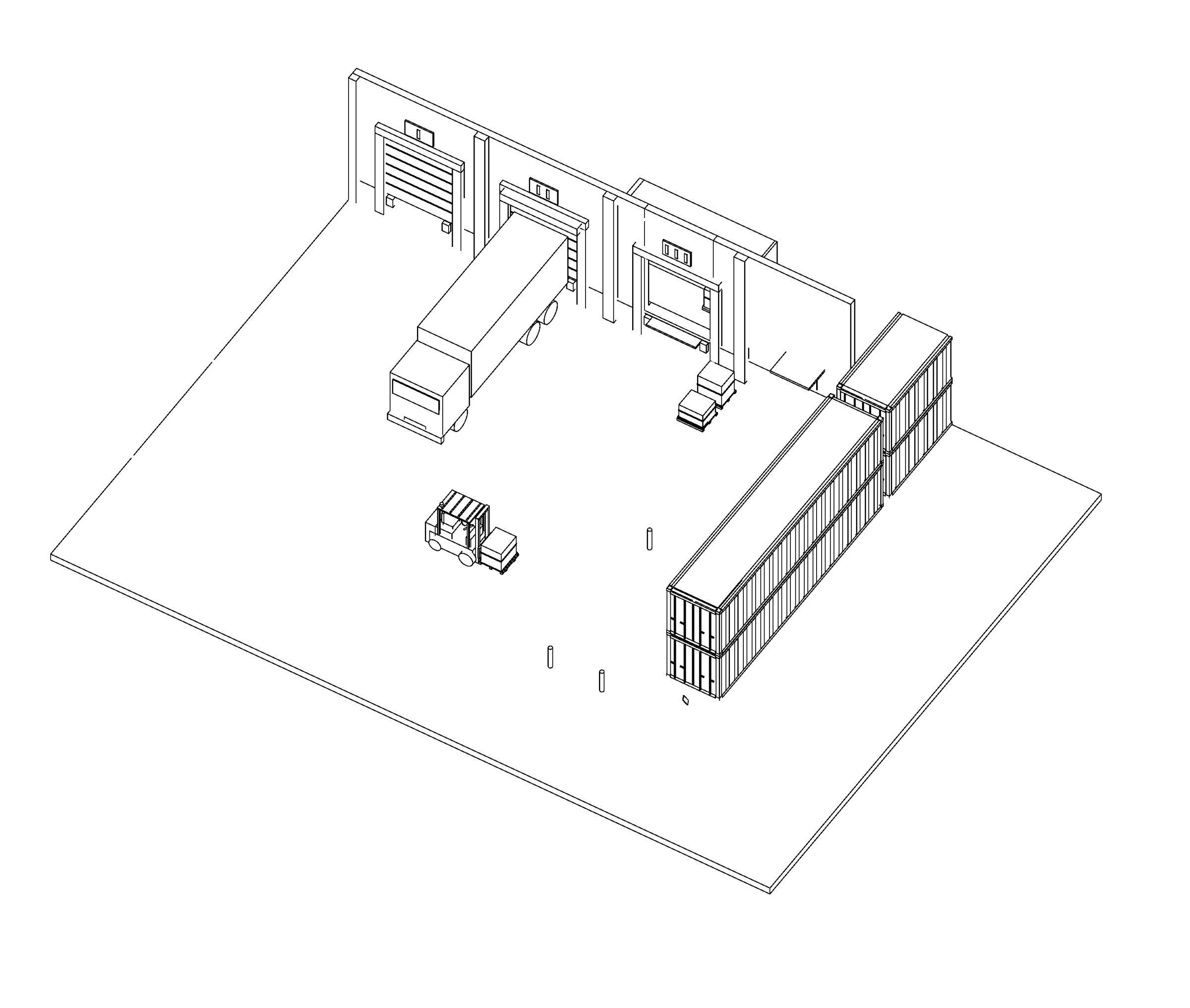
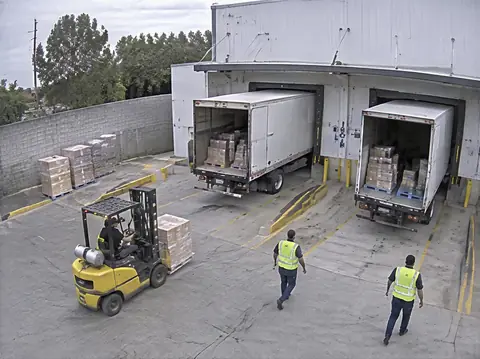
Camera over a loading yard; then the same view as a drawing, with every person and object detected and marked.2.1 m
Yard cameraWhat the model understands

Your zones. Your rules.

Move the zone. The model counts what is inside and alerts when your rule is met.

Queue at checkout 2

4 people in the zone

To review

Alert from3
Quick rules
What it would raise now
  1. 4 in Queue at checkout 2alerts
  2. 4 in the zone after hoursalerts

See all solutions

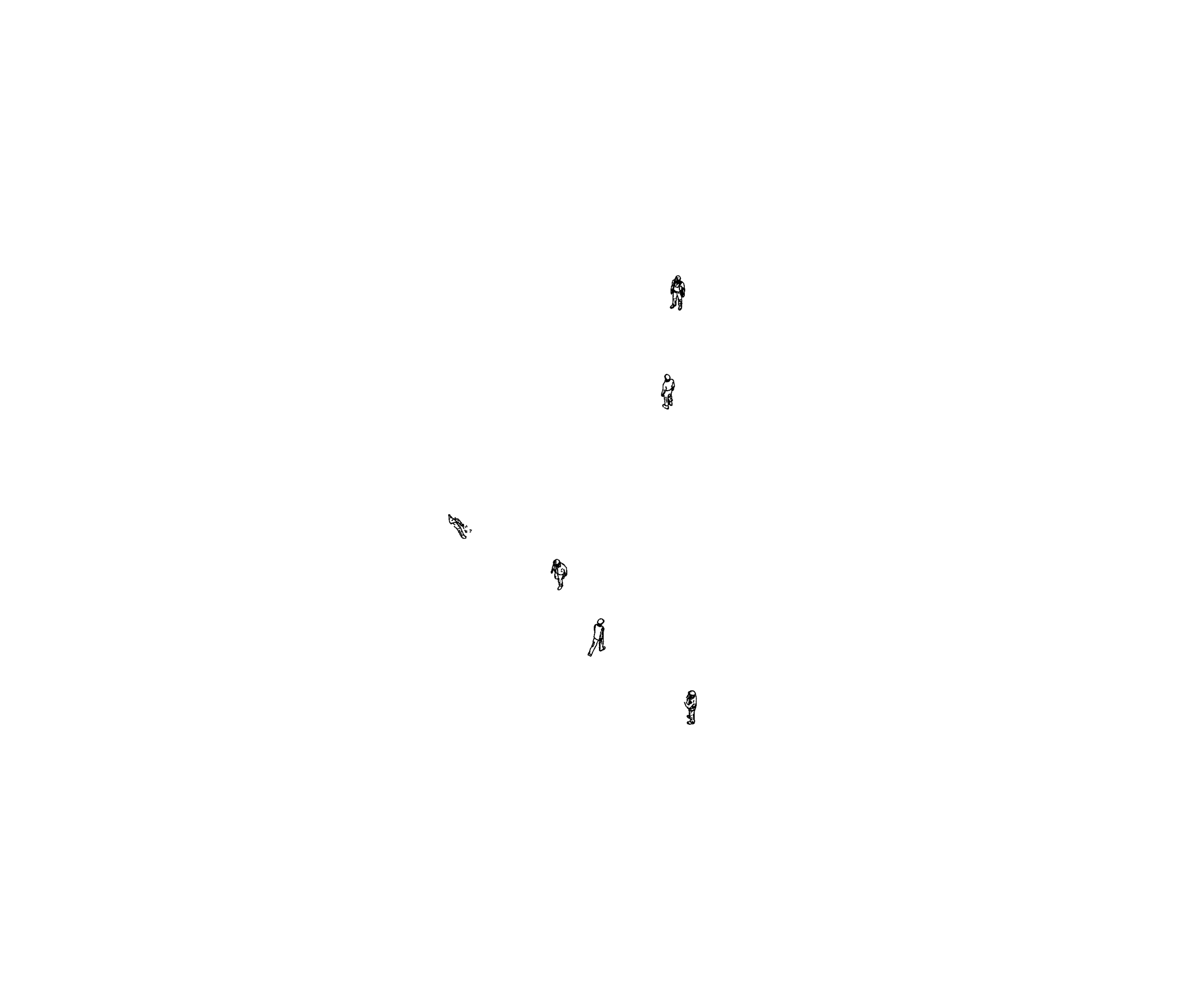
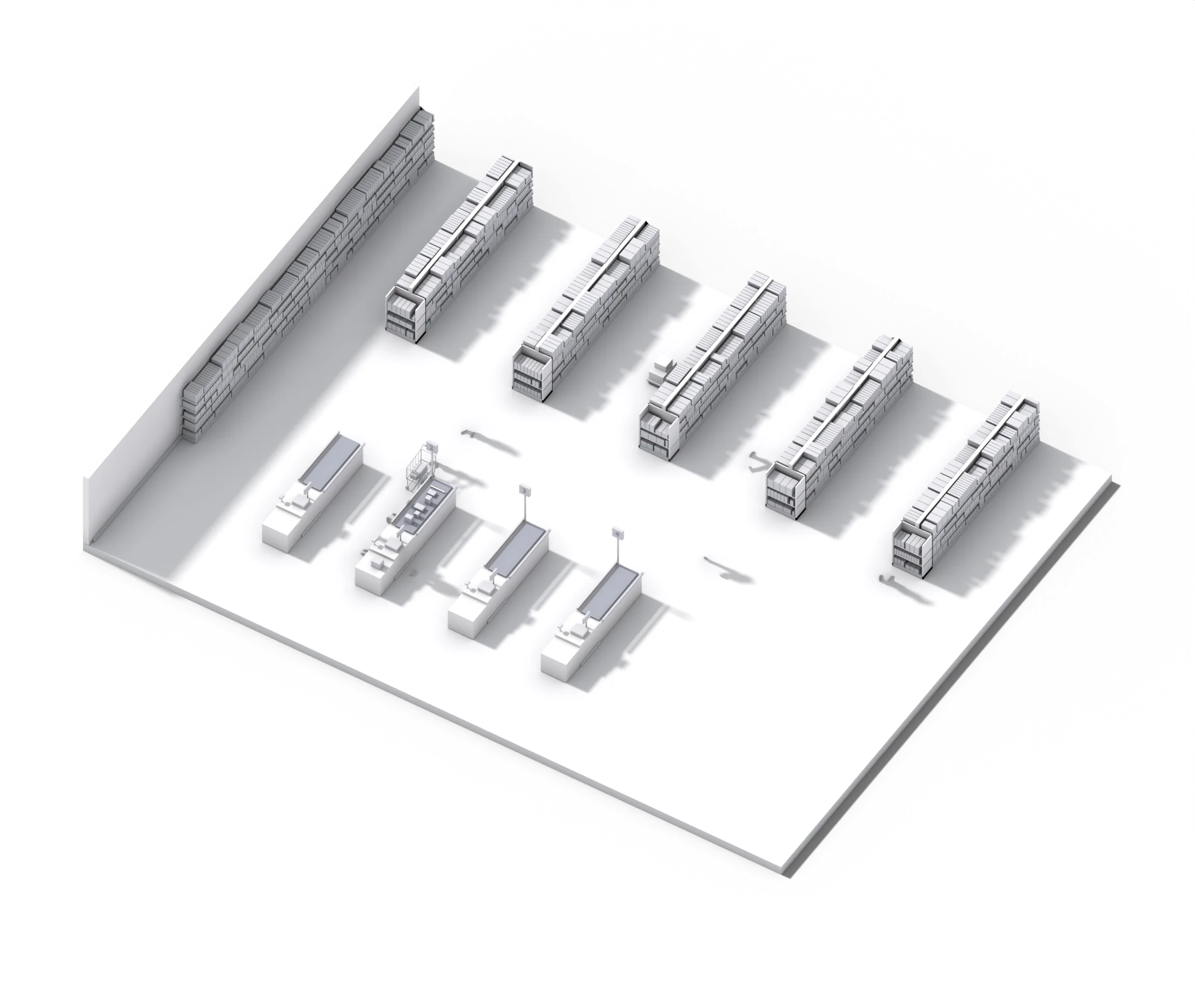
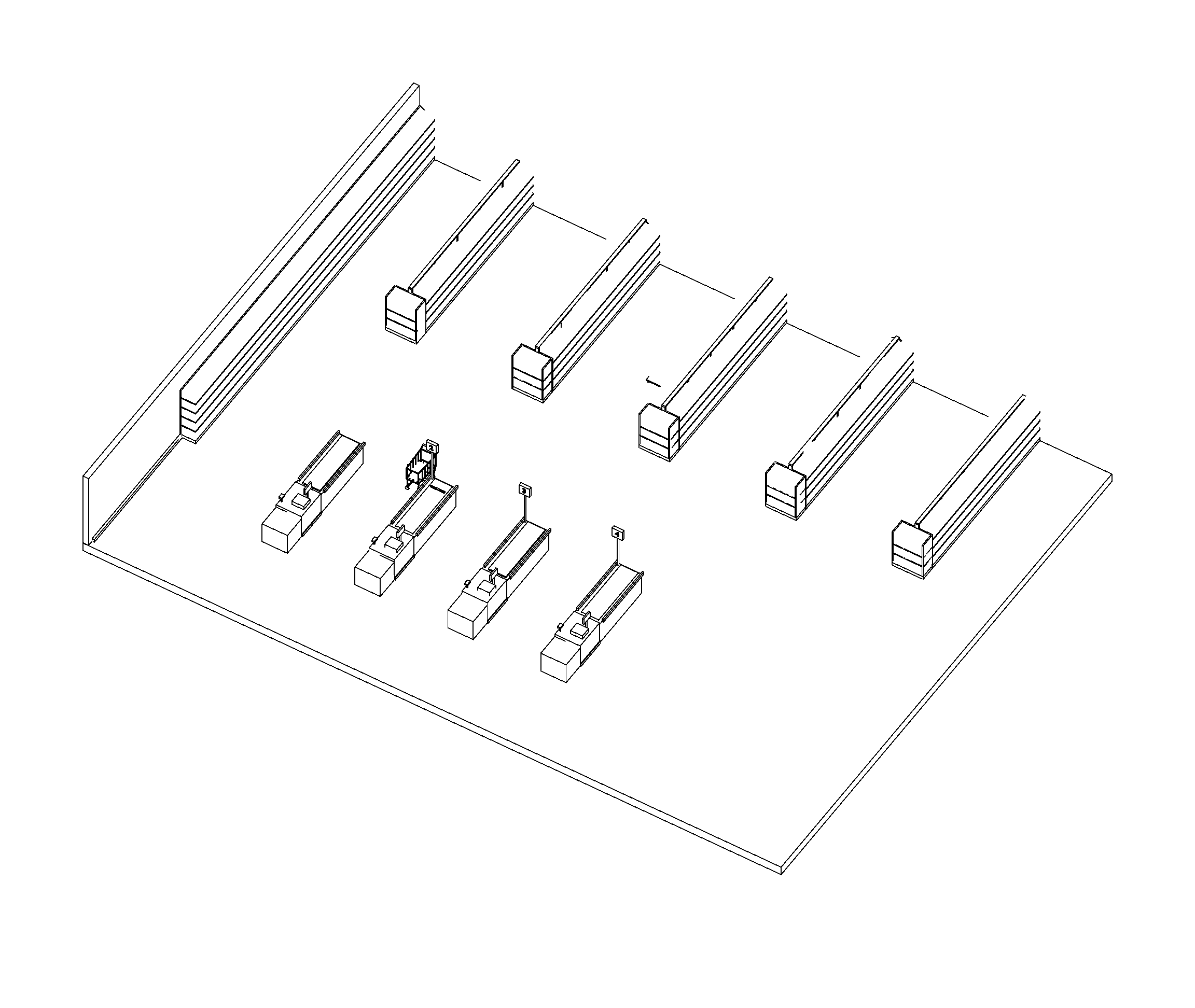
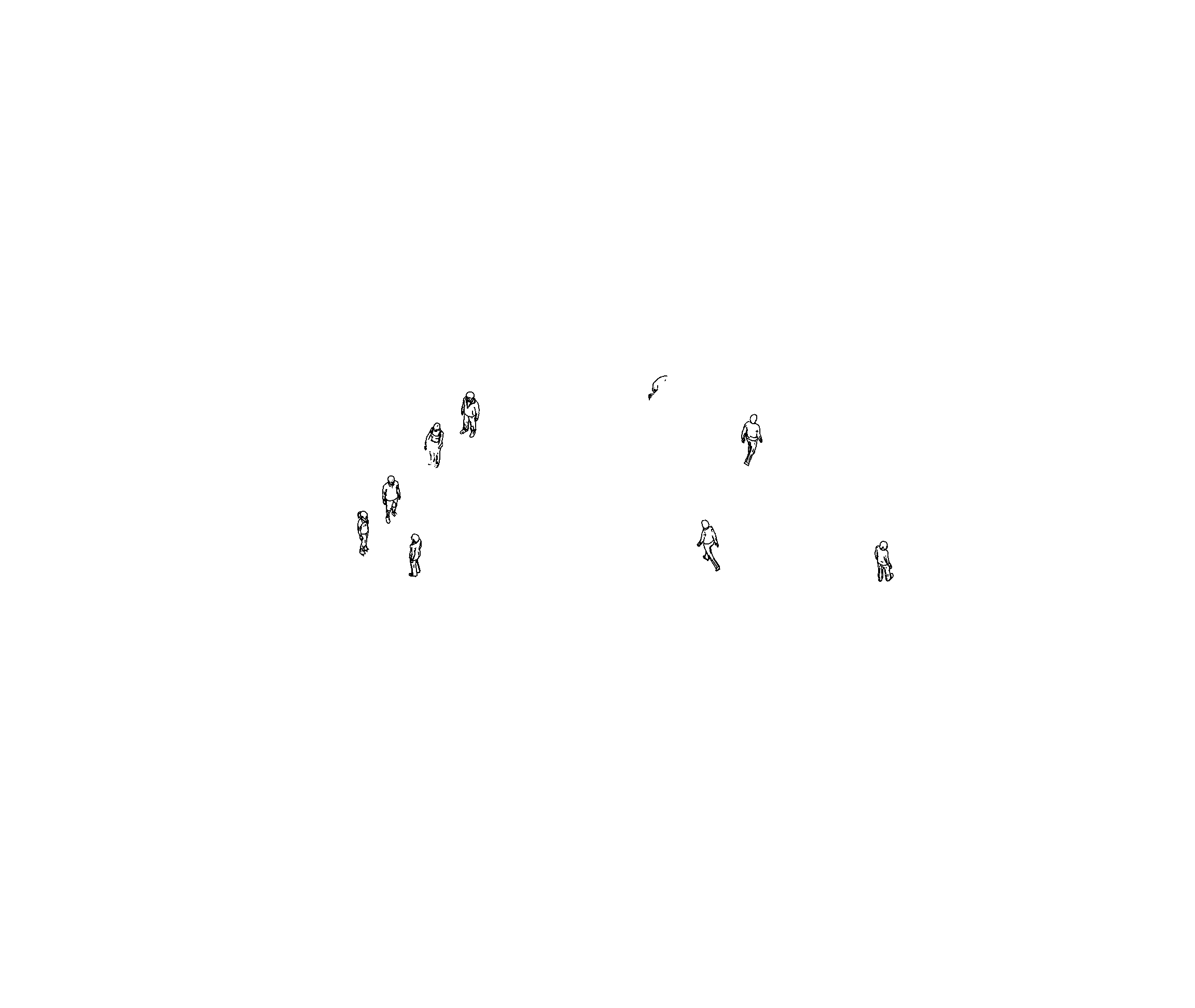
3D model of a shop: four checkouts, a queue at checkout 2 and shelving behind. Nine people in the shop.

You decide. The system does the grunt work.

Every event reaches someone on your team with a short clip. They confirm it or dismiss it.

Event clip
To review

Person 2.1 m from the forklift

Waiting for a person.

  1. The model marks it
  2. It reaches the right person
  3. A person decides
  4. It moves on to your systems
    • Event log
    • Shift report
    • The system you connect

Only events and clips leave, to the systems you choose. What gets connected is defined with you.

By day it measures. By night it watches.

How many people are at each station, which dock is taken, how long a queue gets. Per station, never per name.

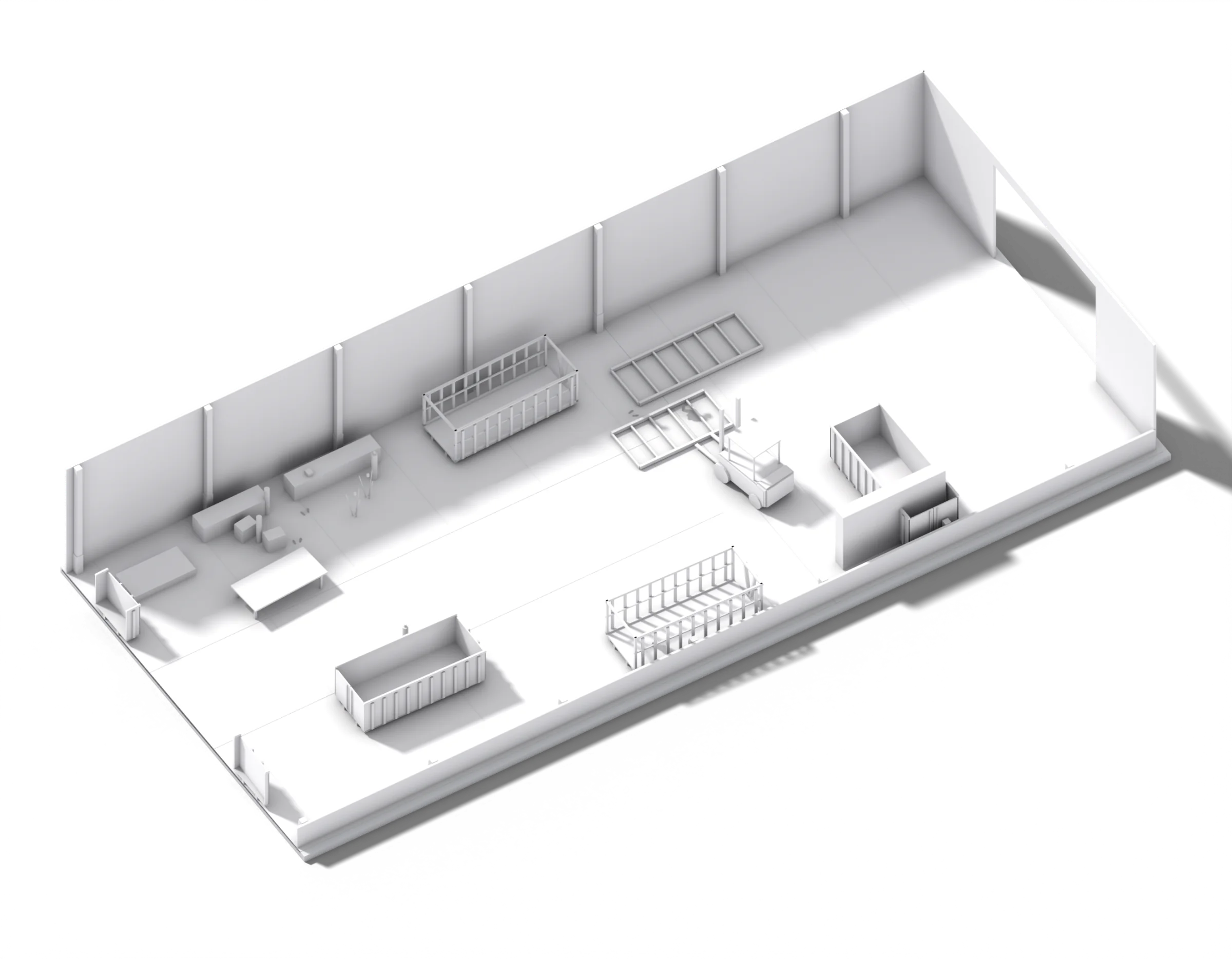
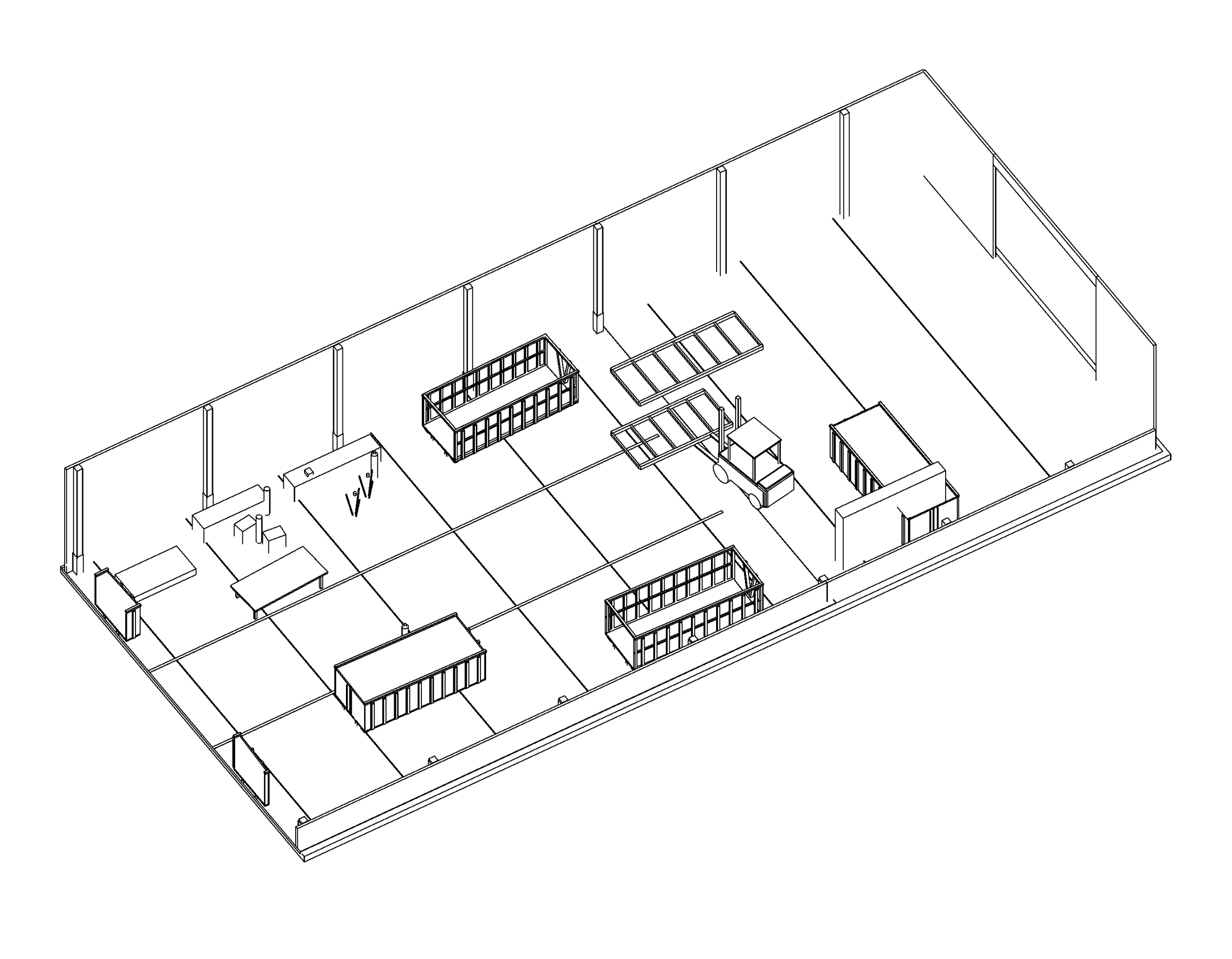
3D model of a fabrication hall: containers being assembled, a forklift and five people at their stations.

Let's start with your cameras.

To begin, three questions.

  1. What do you want to recognise or measure?An object, a defect, a count or a change.
  2. What images do you have?Photos, video or cameras: how many and where they come from.
  3. What result do you need?An alert, a count, a report or a decision made by hand today.

Bring your answers to the conversation, even if they are still incomplete.

Start a conversationSign-in required